Throughput dashboard
Crates and products counted by product, camera and hour. See today against yesterday, day shift against night shift, and which product is moving most.
Camera-based stock counting
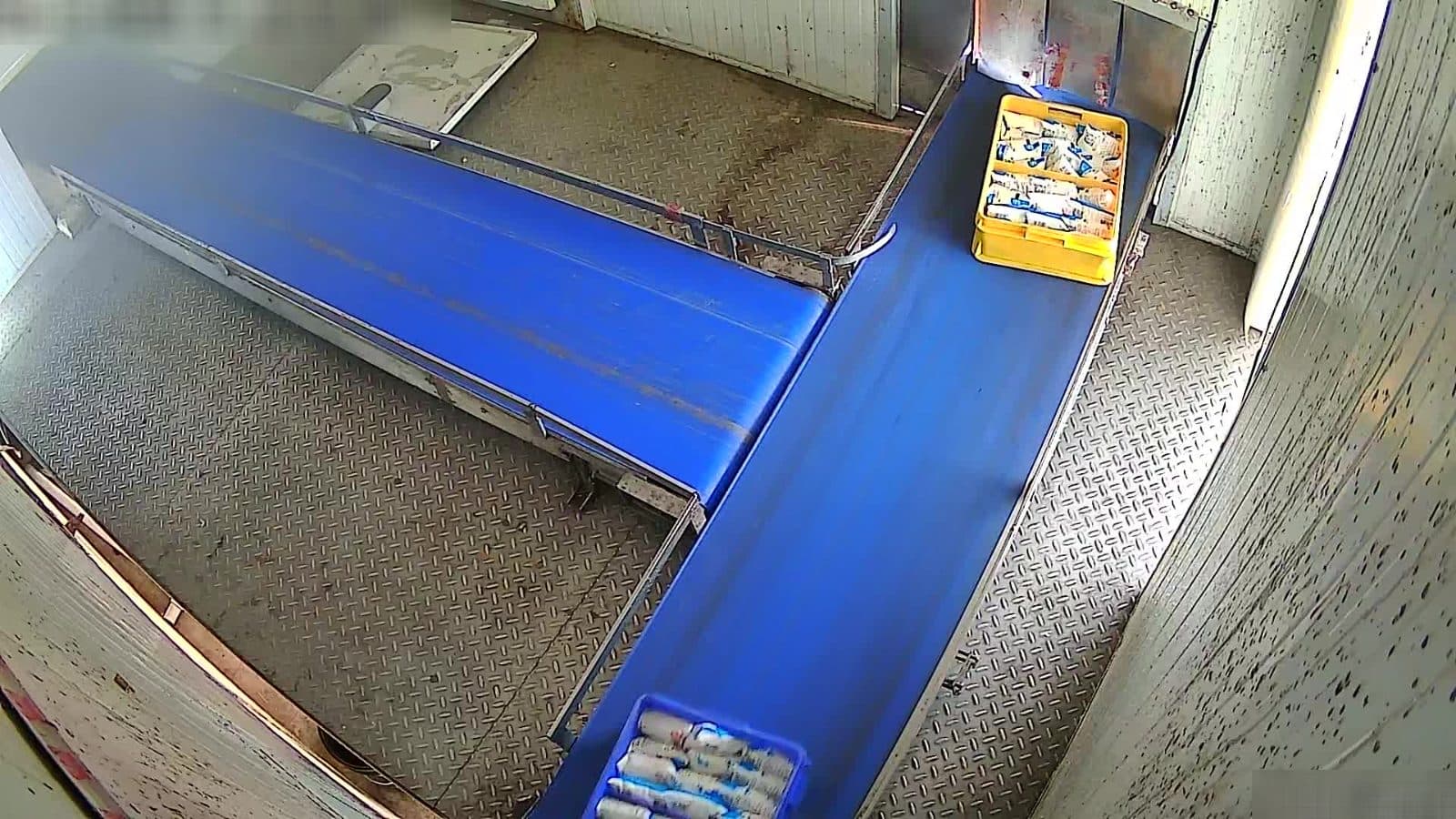
StockSight watches the cameras you already have, counts crates and products as they cross a line you draw, and tells you what moved — by product, by camera, by hour.
Crates and products counted by product, camera and hour. See today against yesterday, day shift against night shift, and which product is moving most.
Use the CCTV cameras you already have. Drag a line across the belt or doorway on the camera's own picture, and that's where counting happens.
Pick a date range, cameras and products. Preview the numbers, then download a CSV for your ERP or a PDF for the shift handover.
Point StockSight at an existing camera over the dock, belt or cold-store hatch.
Place one line where goods pass. Everything that crosses it is counted, once.
Each crossing is identified by product and lands on your dashboard and reports.